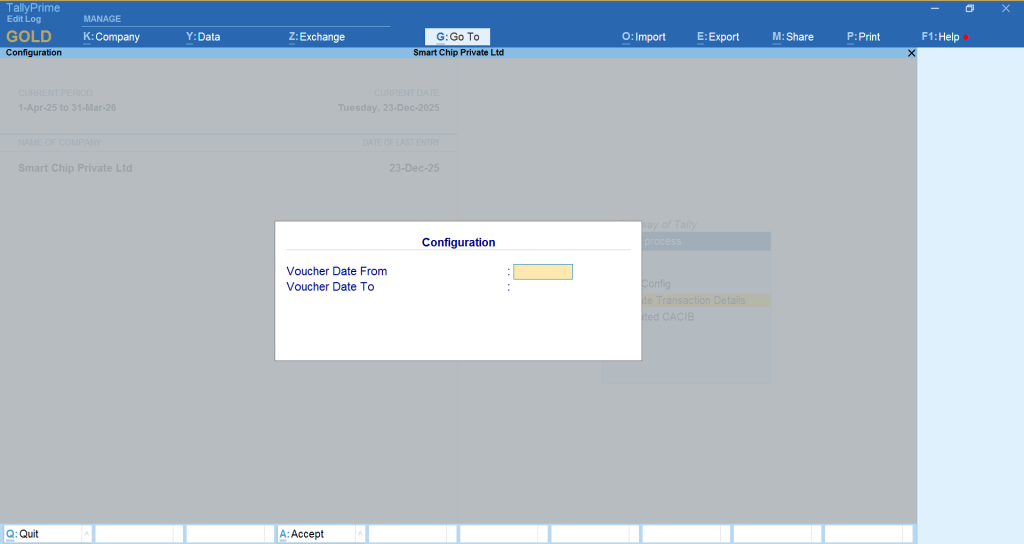
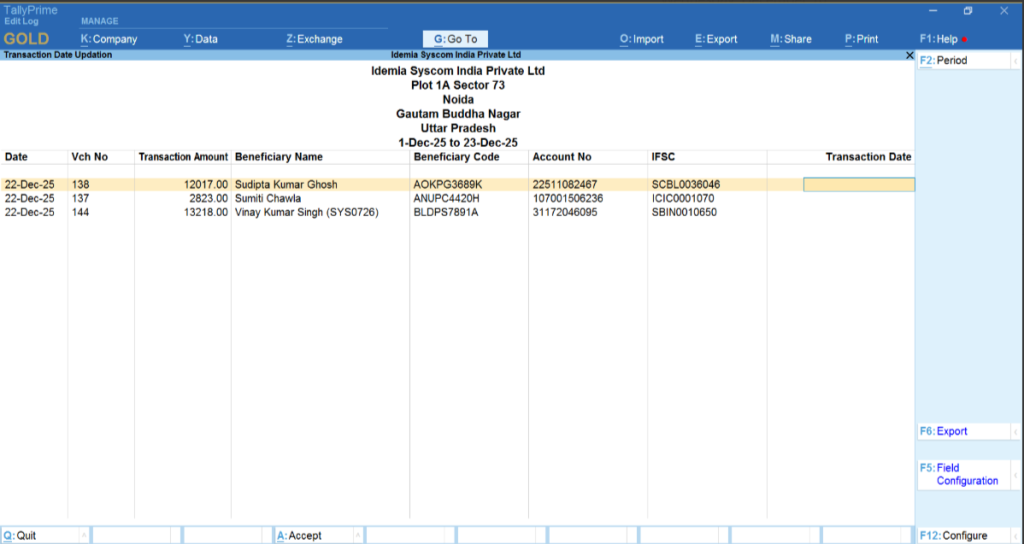
Update Transaction Details
TMS Processed Date – Workflow
- Ensures authorization control, data integrity, and process compliance.
- Authorized user sets the TMS Processed Date.
- System displays all Payment Vouchers in report format.
- User validates and selects eligible payment vouchers.
- Processed date is updated only for valid entries.
- Valid entries automatically move to the next workflow stage.
- Processed vouchers are displayed in the CACIB menu for further action.
Entry Display Based on Selected Period
- Entries are displayed based on the user-selected period from the menu.
- User must first select the required period to view relevant entries.
- System filters and displays records according to the selected date range.