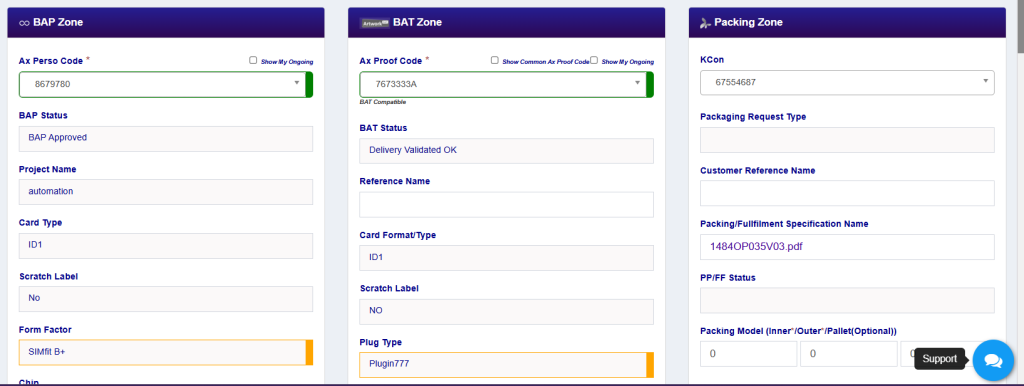
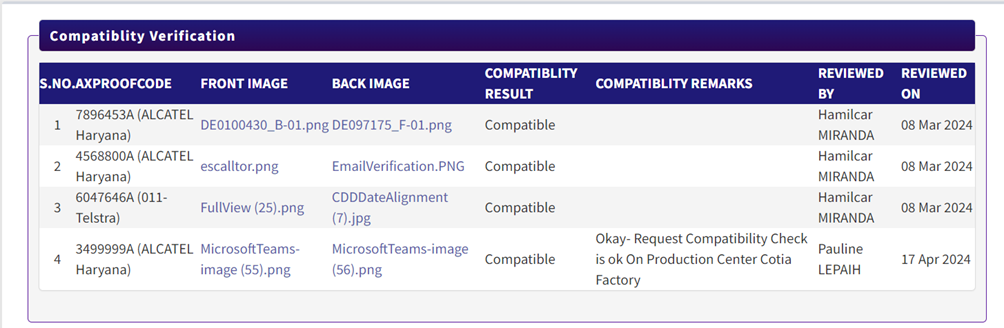
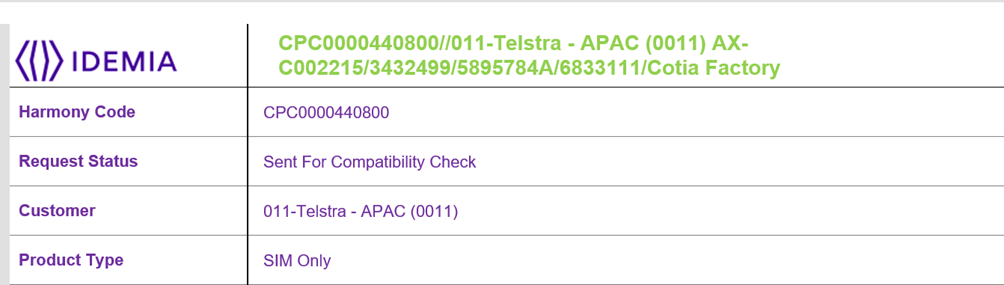
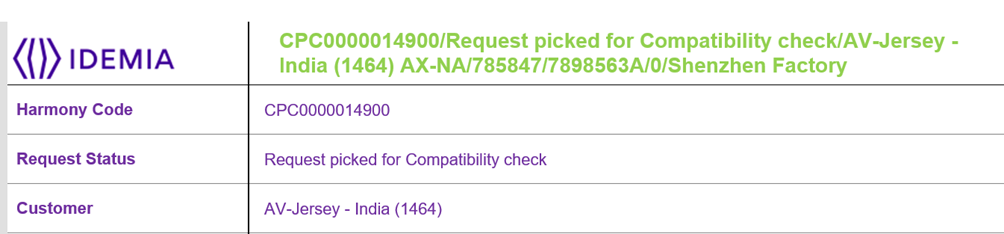
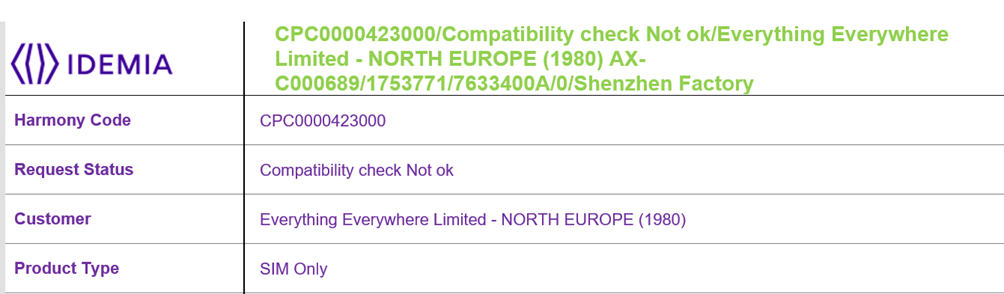
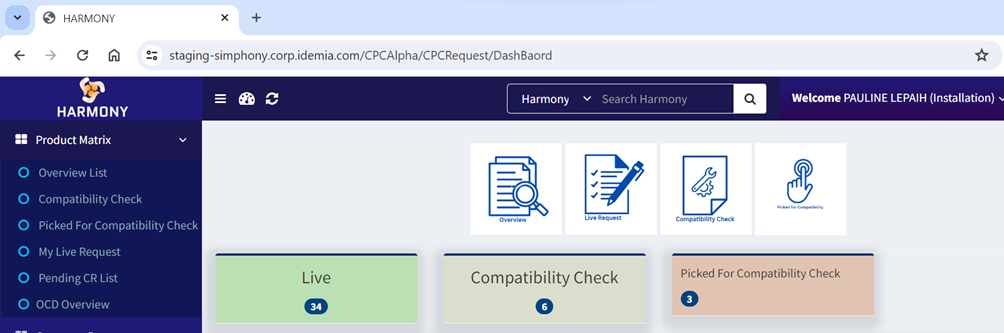
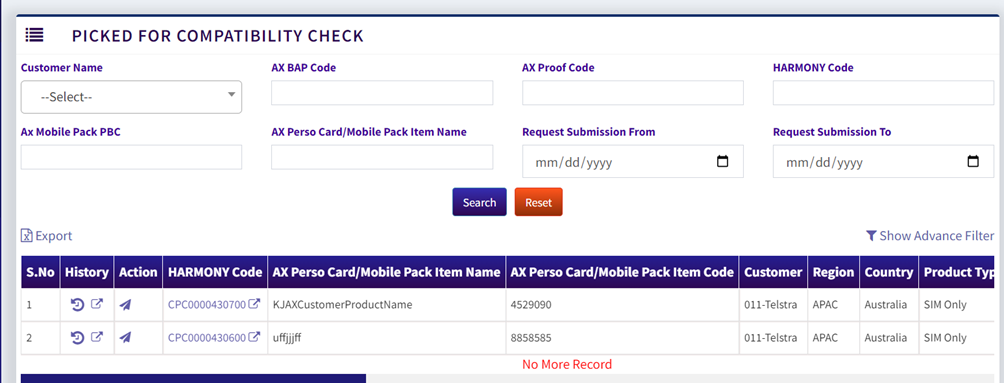
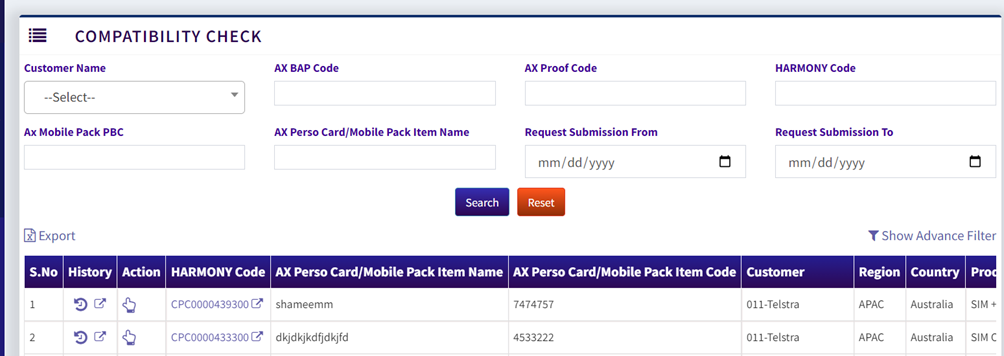
Compatibility check getting performed to verify the BAP OP and it’s associated respective BAT OP files for the Request Creation by respective Installation Team of Production Center.
Closely getting monitored OP files between selected Perso Code and Proof Code along with Respective KCON as well so that Correct combination of Request has been created by TC/CS.
Compatibility check done at Harmony End will get reflected in both the application ( BAP & BAT).
Request goes for compatibility check at Installation Team end depending upon the One to Many / Many to Many / One to One mapping.
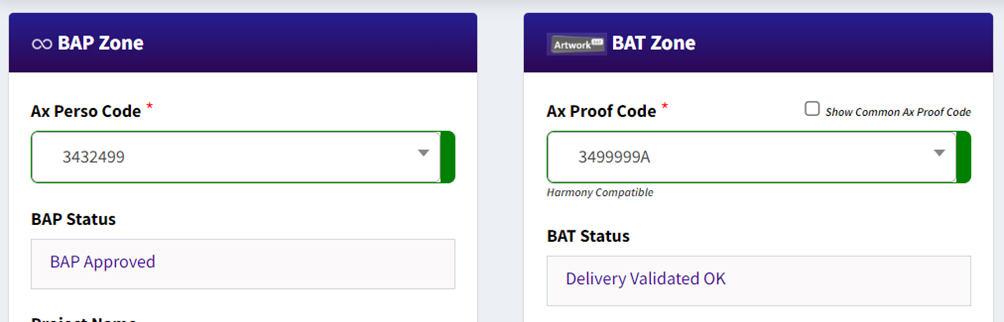
Compatibility check performed at Harmony will be mentioned as Harmony Compatibility while creating request for the same combination.
- Compatibility Check will be performed with Three Categories: SIT Compatibility | Artwork Compatibility | Harmony Compatibility
- If SIT Compatibility has been done on Request with respect to AxProofCode then while Creating Harmony Request, Request will go live directly with Green in Symbol on Ax Perso Code and Ax Proof Code
- If BAT Compatibility has been done on Request with respect to AxPersoCode then while creating Harmony Request, Request will go live directly with Green in Symbol on Ax Proof Code and Ax Perso Code
- If Harmony Compatibility has been done on Request with respect to both AxPersoCode and AxProofCode then while creating Harmony Request, Request will go live directly with Green in Symbol on both Ax Proof Code and Ax Perso Code
- If the Compatibility check has been performed at Harmony end, then In SIT Portal also the same combination gets updated review details tab of Particular SIT request.
- If the Compatibility check has been performed at Harmony end, then In Artwork Portal also the same combination gets updated review details tab of Particular BAT request.
- If any SIT already compatible with BAT while creating SIT request, then when Harmony request gets created then it will automatically go to Live as already been the compatibility check has been done at SIT level.
- If any BAT already compatible with SIT while creating BAT request, then when Harmony request gets created then it will automatically go to Live as already been the compatibility check has been done at BAT level.
- If SIT Compatibility has not been performed with Respect to AxProofCode then While creating Harmony Request, Request will go first for respective SIT Production Center Installation Team only for Compatibility Check Process with Orange in Symbol on Ax Perso Code and Ax Proof Code.
- If Request gets compatible in Harmony, then going forward whenever request gets created with the same combination then request will go directly to Live.
- If Compatibility check getting performed for the combination of SIT Code and Ax Proof Code, then Compatibility Status will get updated on SIT Side as well.
- If Artwork Compatibility has been done with Not Compatible status on Request with respect to Ax Perso Code then while creating Harmony Request, once again the request will go for compatibility check for respective SIT Production Center Installation Team.
- If Neither SIT Nor Artwork Compatibility check been done on the Combination, then while creating Harmony request, Request will go for compatibility check for respective SIT Production Center Installation Team.
- If Either SIT Or Artwork Compatibility already been done but while creating Harmony Request, if Card Type is entirely different then Request will not move further in Harmony.
- If BAP Compatible done on any request combination, then while creating Harmony request, BAP Compatible will be displayed under Ax Proof Code Dropdown
- If Artwork Compatible done on any request combination, then while creating Harmony Request, BAT Compatible will be displayed under Ax Proof Code Dropdown
- If Via Harmony Compatibility Done on any request combination, then while creating Harmony Request, Harmony Compatible will be displayed under Ax Proof Code Dropdown
- Mail Notification will be triggered on each compatibility steps while Picking and Make Compatible.
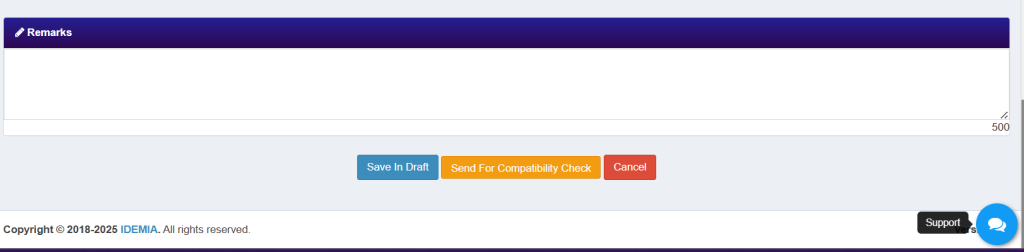
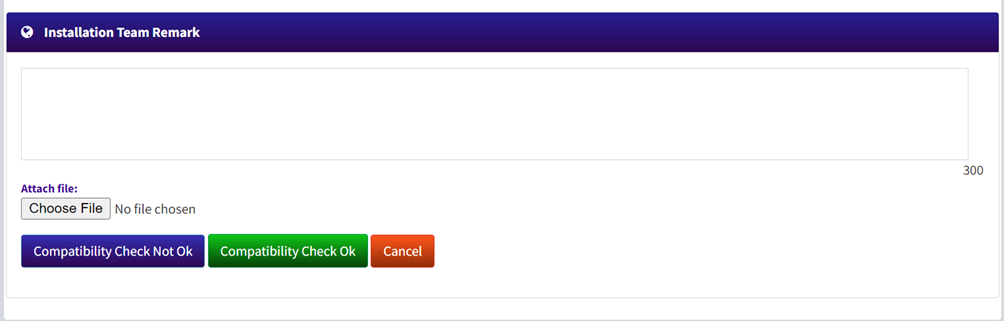
- When Harmony Request will be at Installation Team end for compatibility check then Installation team can perform 2 actions either Compatible or Not Compatible
- If Installation Team does the Compatible, then request will go live directly from there and visible across all the assigned TC & CS and Respective Region TC Directors.
- If Installation Team does the Compatibility check not okay, then request will go directly to assigned TC & CS draft list for further actions as per Installation team remarks.
- History getting maintained for each record so that TC/CS can understand who has picked and performed action on the same.
- One to Many mappings depending upon the conditions when SIT having One Production and BAT having multiple Production centers then compatibility check will be performed at SIT end as it has only one Production and Vice Versa for BAT cases as well.
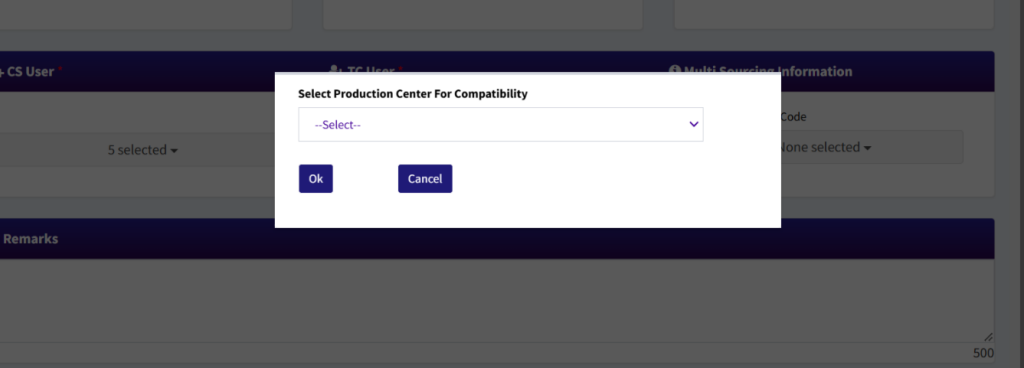
- Many to Many mappings depending upon the condition when SIT having multiple production centers and same multiple production centers for BAT as well then compatibility check will be selected by TC/CS for which installation team to perform the compatibility check while creating requests
- One to One mapping depending upon the condition when Both SIT and BAT having One Production Center Mapped then By Default compatibility check will be performed by BAP Production Center Installation team.