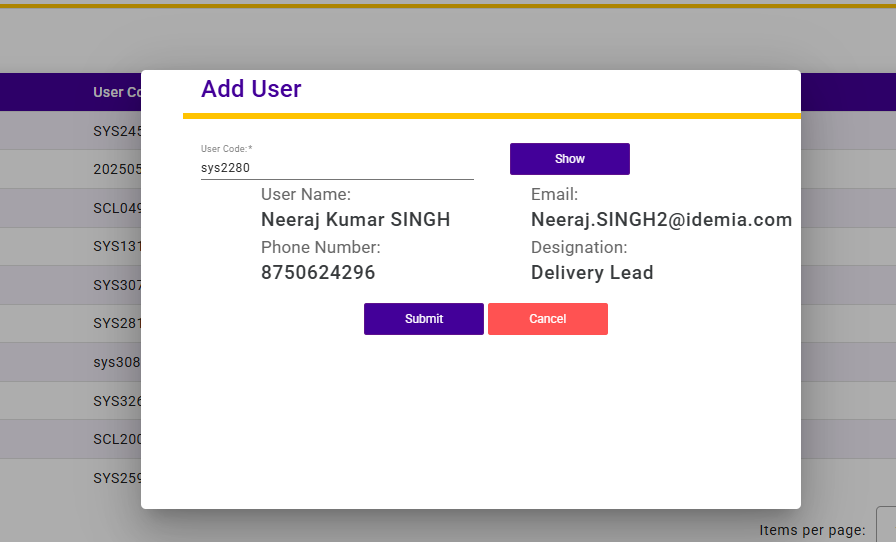
The Users List screen displays all registered users in the system along with their basic details and current status. It enables administrators to monitor and manage user access effectively.
Each record includes the User Name, User Code, Email ID, and Status (Active/Inactive). An action option is provided to Deactivate users when required. The Search functionality allows quick filtering of users based on name, user code, or email.
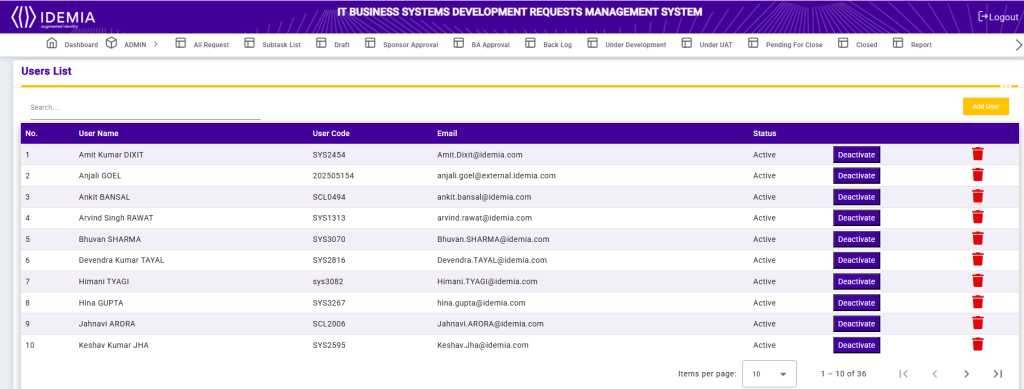
Add User
The Add User screen allows administrators to register a new user in the system with the required details.