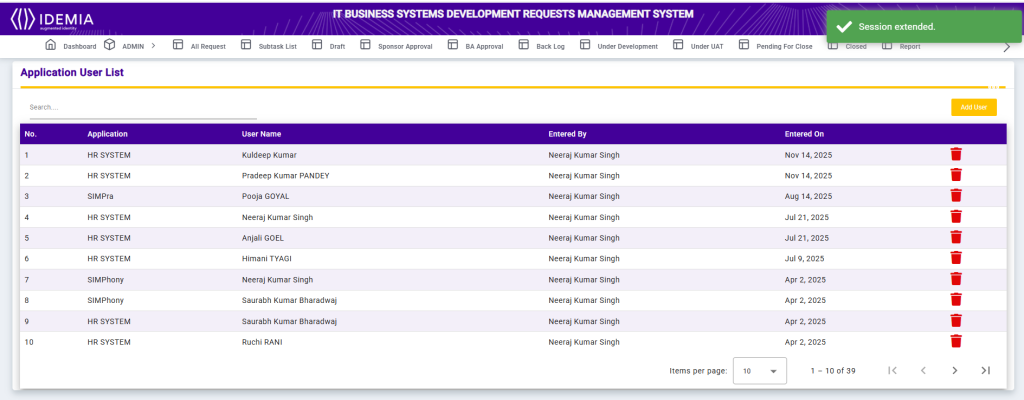
Application User List
The Application User List screen displays all users assigned to specific applications within the system. It provides a clear view of application access and user assignments.
Each record includes the Application Name, User Name, Entered By, and Entered On date. The Search functionality allows users to quickly filter application-user mappings based on application name or user name.
This screen helps administrators manage application access, ensure proper user assignment, and maintain accountability across different applications.
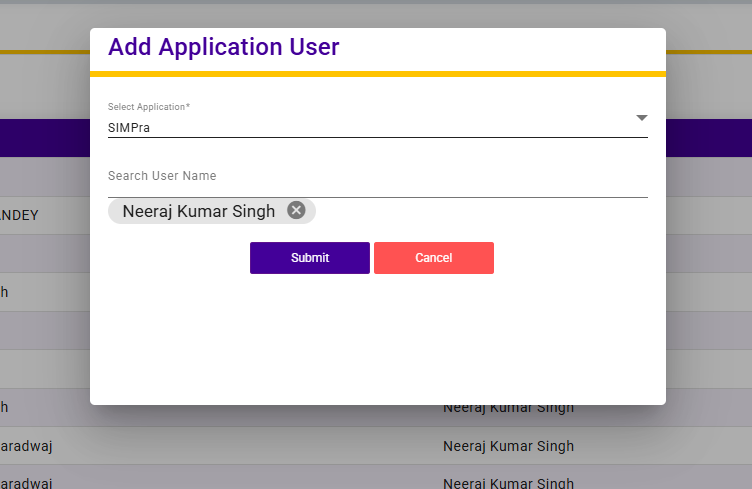
Add Application User
The Add Application User screen allows administrators to assign users to specific applications within the system.
Users must select an Application from the dropdown list and then search and select a User Name to assign to that application. Once the selections are made, submitting the form will link the user to the chosen application.
This functionality ensures proper application access management, enabling controlled user assignments and accountability.