
Blowfish is an additional module in Simphony allowing users to Manage the Keys across different Sites
- Blowfish is an online tracker dedicated to Key Management. It allows to track all the Key Operations in Idemia ( Imports , Generations , Transfers…)
- Blowfish caters for both the Key Generation and Key Transfers across each manufacturing site.
- Blowfish also realize functions for Key Ceremony, HSM Management, Key Naming etc.
- Blowfish also manage the External Key Custodians
- Blowfish does not store keys, it only tracks their operations
- Blowfish is only used by IDEMIA and is not open to customers
Login
No Separate login is required for login into BLOWFISH module as this module is embedded into BAP module (refer below screenshot)
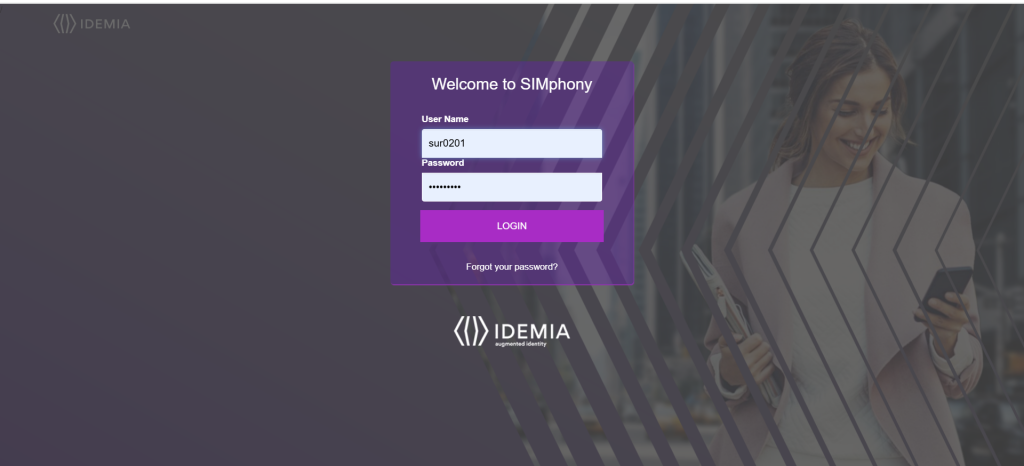
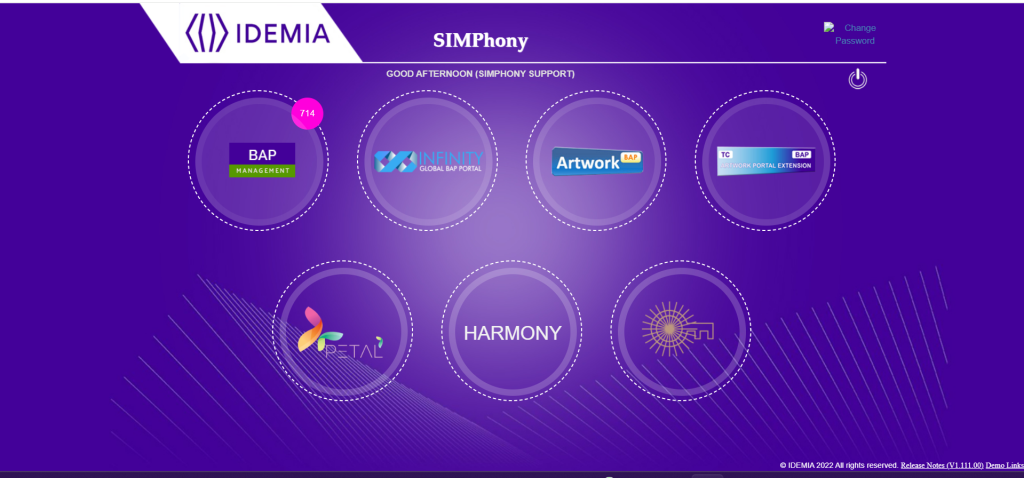
TC/CS has to login on SIMphony using his/her credentials. For creation of BLOWFISH request, he must click on “BLOWFISH” Module.
Request Flow on BLOWFISH:


New Request Creation:
- TC will create a new Request from Create Request.
- Request Creation in Blowfish depending upon one Factor. That Factor is Transport Mode when set as Transport Key Encryption & Key Send by Parts
- When Transport Mode set as Transport Key Encryption then PGP File is mandatory to be uploaded by TC
- When Transport Mode as Key Send by Parts then custodians are mandatory to be selected
- When any request gets created based on the Transfer Key to Other site as No, With Restriction and Yes then it behaves differently for each respective action
- When Transfer Request getting raised with Restricted then Request Flow will work from TC Manager Approval > Pre Prod Manager Approval >> Key Admin Approval > Key Live on Destination Site
- When the Transfer Request is raised with an option set as No then the Request will not be used for Transfer Purpose. It will not go directly live on destination site
- When the Transfer Request is raised with an option set as Yes then the Request will be live directly on Destination Site

