Sponsor Approval List
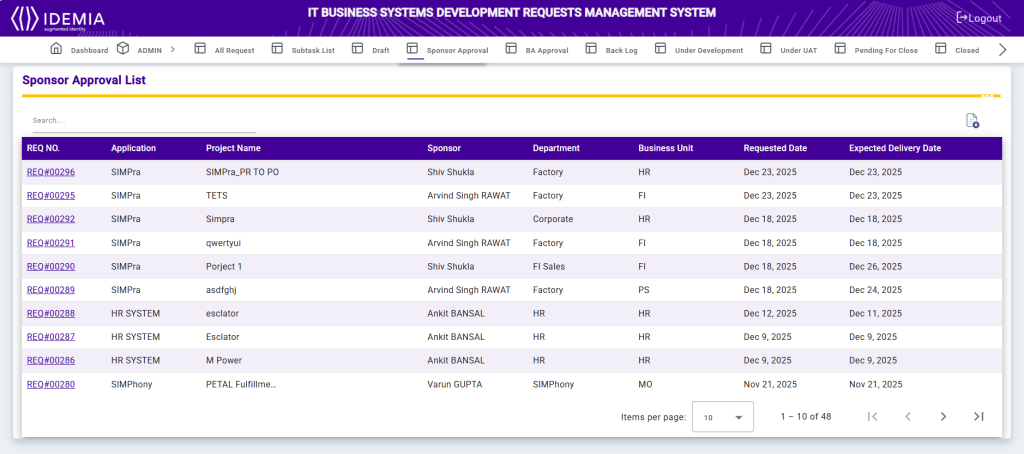
The Sponsor Approval List screen displays all development requests pending or processed for sponsor review and approval. It provides sponsors with a consolidated view of requests associated with their departments and business units.
Each record includes the Request Number, Application, Project Name, Sponsor, Department, Business Unit, Requested Date, and Expected Delivery Date. The Search option allows users to quickly locate specific requests using request number, project name, or application.
This screen helps sponsors review project details efficiently, track delivery timelines, and take timely approval actions to ensure smooth project execution.
Sponsor Approval
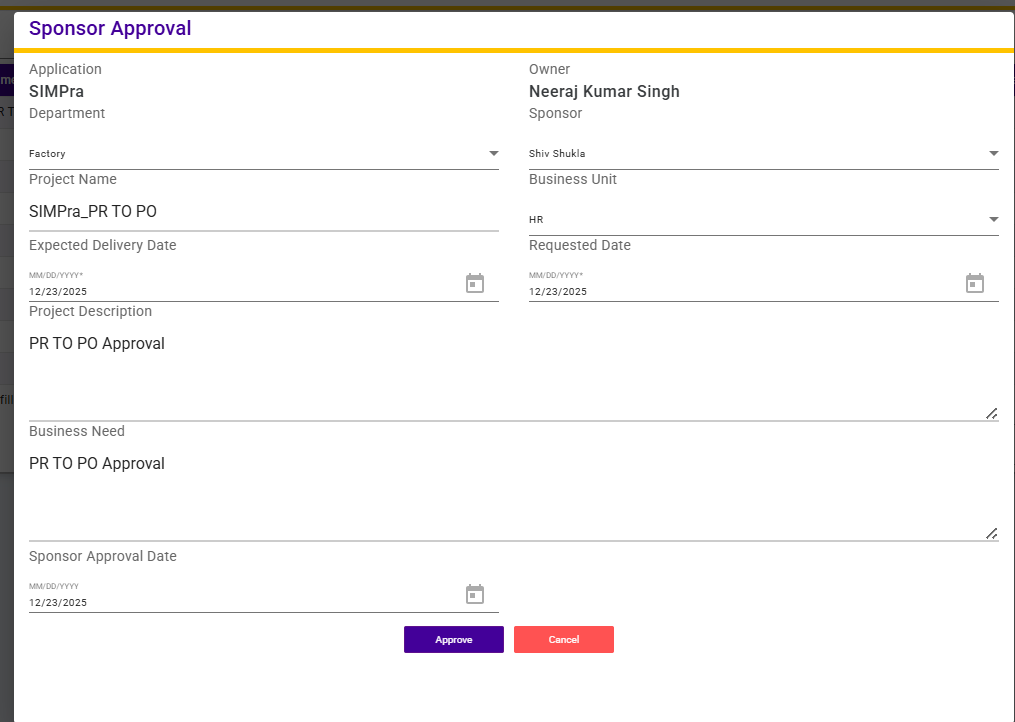
The Sponsor Approval screen displays complete details of a development request for sponsor review and decision.
This screen shows key information including Application, Application Owner, Department, Sponsor, Project Name, Business Unit, Requested Date, Expected Delivery Date, Project Description, and Business Need. The Sponsor Approval Date captures the date on which the sponsor takes action.
After reviewing the request details, the sponsor can click the Approve button to approve the request and allow it to proceed to the next stage of the workflow.
This functionality ensures formal sponsor validation, accountability, and controlled progression of business requests within the system.