Role List
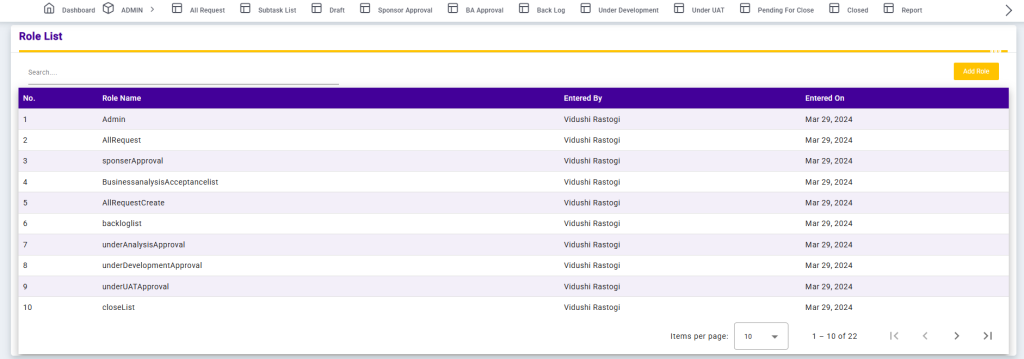
The Role List screen displays all roles configured in the system along with their creation details. It helps administrators manage user access and permissions by maintaining a centralized list of roles.
Each record includes the Role Name, Entered By (creator of the role), and Entered On (creation date). The Search option allows users to quickly find specific roles. Pagination and Items per page controls are provided to efficiently navigate through large role lists.
This screen ensures structured role management and supports controlled access across different workflow stages within the application.
Add Role
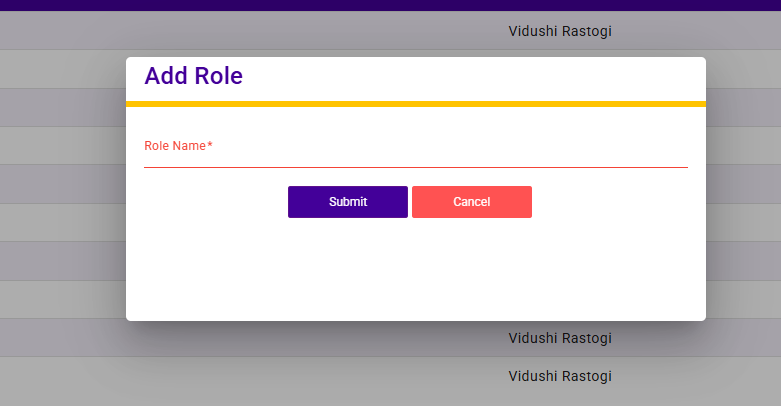
The Add Role screen allows administrators to create a new role in the system.
Users need to enter a Role Name to define the role. Once the role name is provided and saved, the role becomes available for user mapping and access control.
This functionality helps in managing permissions and defining responsibilities across different workflow stages within the application.