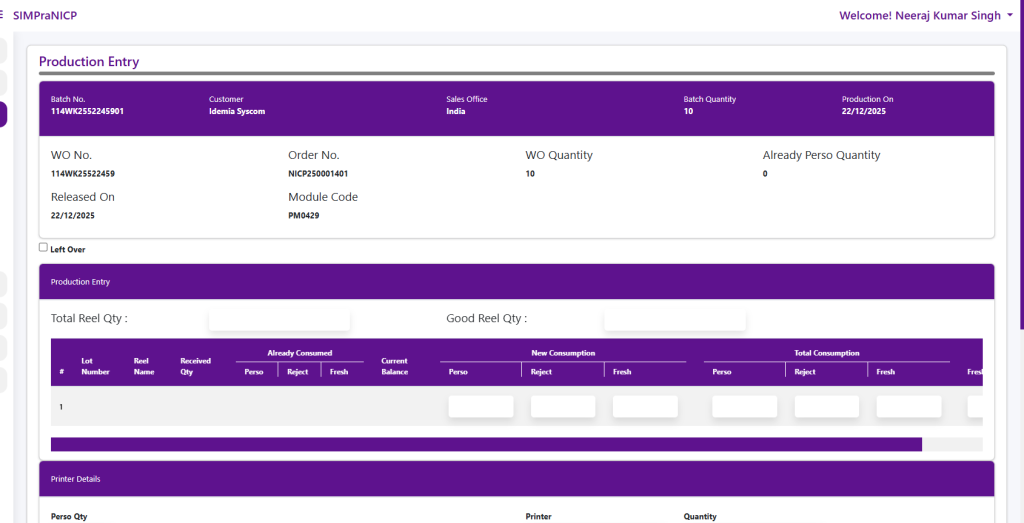
Approved Batch List
The Approved Batch List displays all batches that have been approved for production. Users can search by Batch Number, and filter records by Region and Date Range. Each batch shows details such as Customer, Customer Group, Approved Date, Batch Quantity, Produced Quantity (PRD Qty), and Balance Quantity.
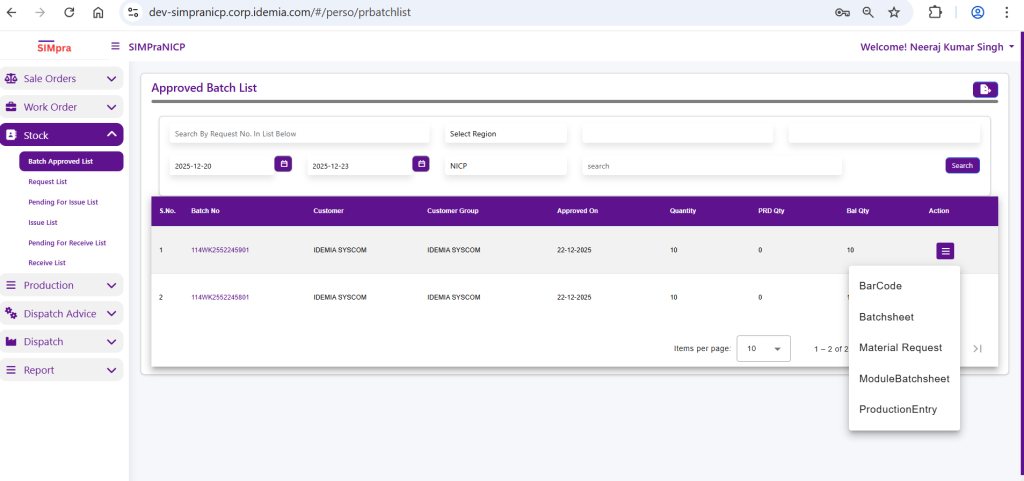
Barcode
This option is used to view barcodes for the selected batch. Barcodes help in batch identification, tracking, and scanning during production and inventory movement.
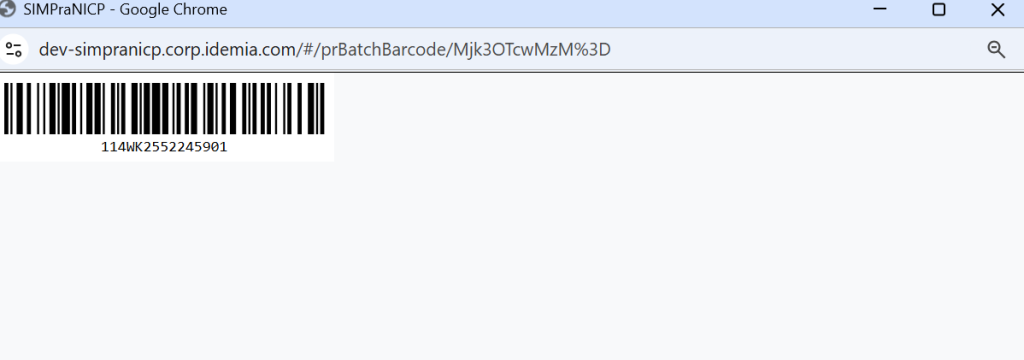
Batch Sheet
The Batch Sheet provides a detailed production document for the batch. It includes batch details, quantities, module information, and is used by the production team as a reference during manufacturing.
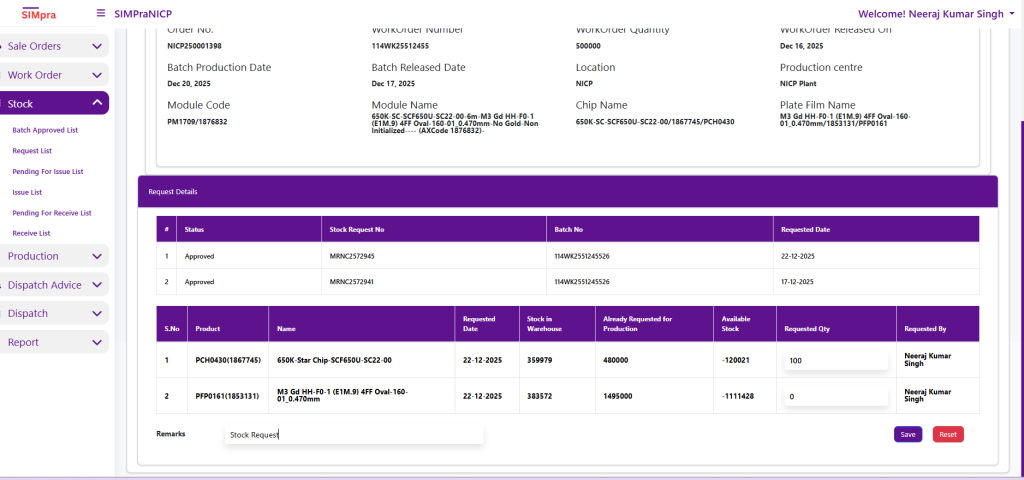
Material Request
The Material Request option is used to raise a request for required materials for the selected batch. This ensures that all necessary materials are issued from inventory before starting production.
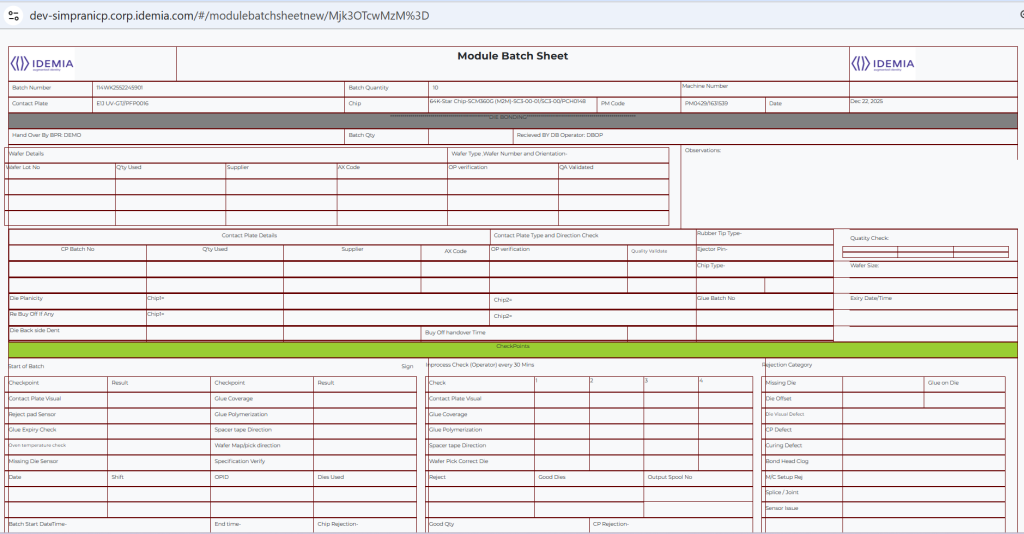
Module Batch Sheet
The Module Batch Sheet contains module-specific production details for the batch. It is used for module-level processing, verification, and tracking during the production cycle.
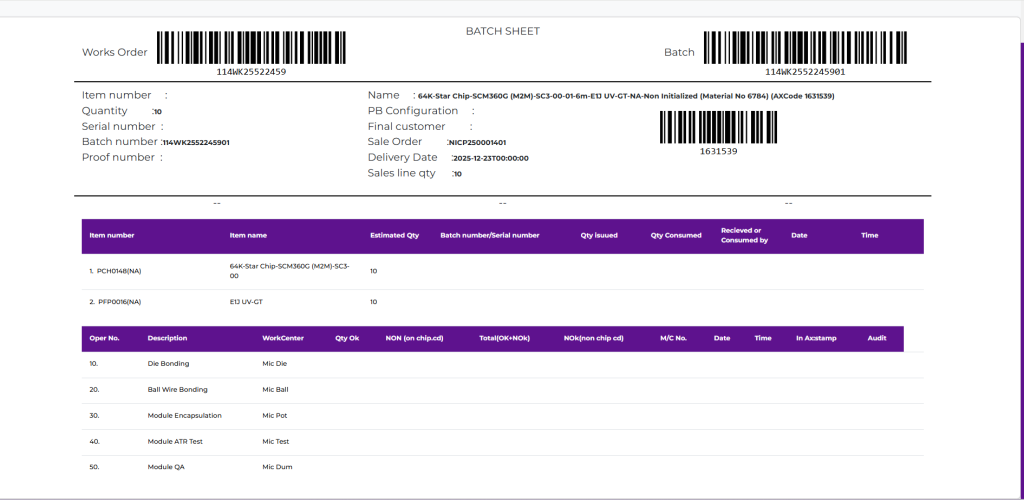
Production Entry
The Production Entry option is used to record actual production data for the batch. Users enter produced quantities, rejections, and other production-related details to update the batch progress in the system.