Released Work Order List
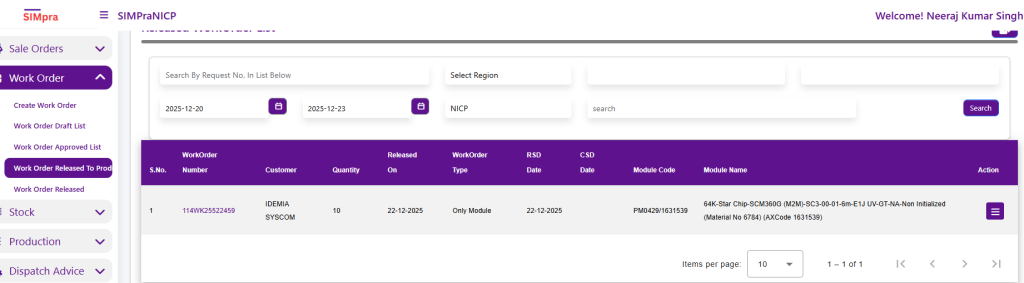
The Released Work Order List shows all work orders that have been released after approval. Users can search by Work Order Number and filter records using Region and Date Range.
This screen displays details such as Customer, Quantity, Release Date, Work Order Type, RSD/CSD Dates, Module Code, and Module Name. From the Action column, users can open the context menu to create Work Order batches, initiating the production batch process for the selected work order.
WorkOrder Batch Entry
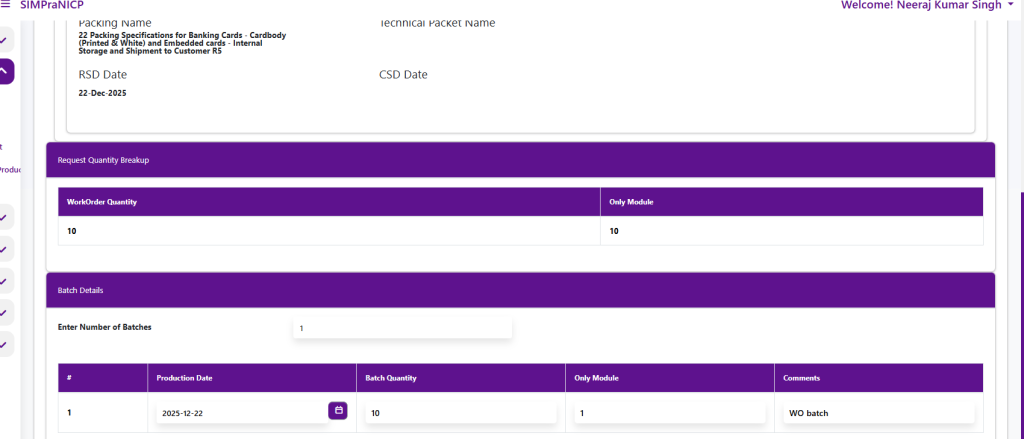
The WorkOrder Batch Entry screen is used to create and manage production batches for a released work order. It displays key Sale Order and Customer details along with the approved work order information, including quantity, module details, production center, and planned dates.
Users define the number of batches, enter the production date, and allocate the batch quantity. The system ensures the batch quantity matches the work order quantity . Once batch details are entered, the batch can be created to proceed with production planning and execution.
Click on SAVE