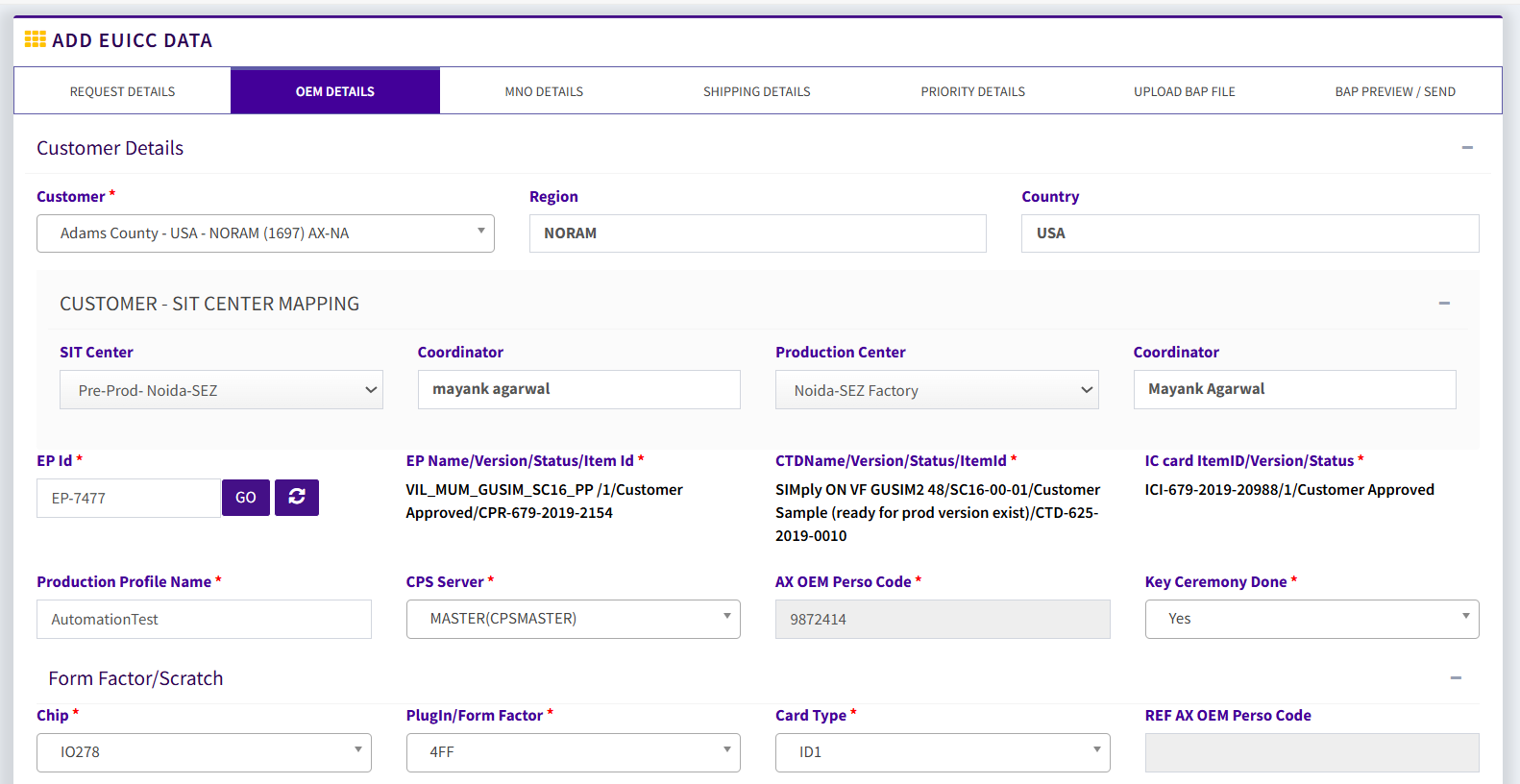
This page is use for Add work-order ,Approve work order and view WO print
- Sheet Punching → Work Order → Add Work Order.
- Enter the required details:
- PLB Code (Input Material)
- ACB Code (Output Material)
- Quantity (Number of sheets to be punched)
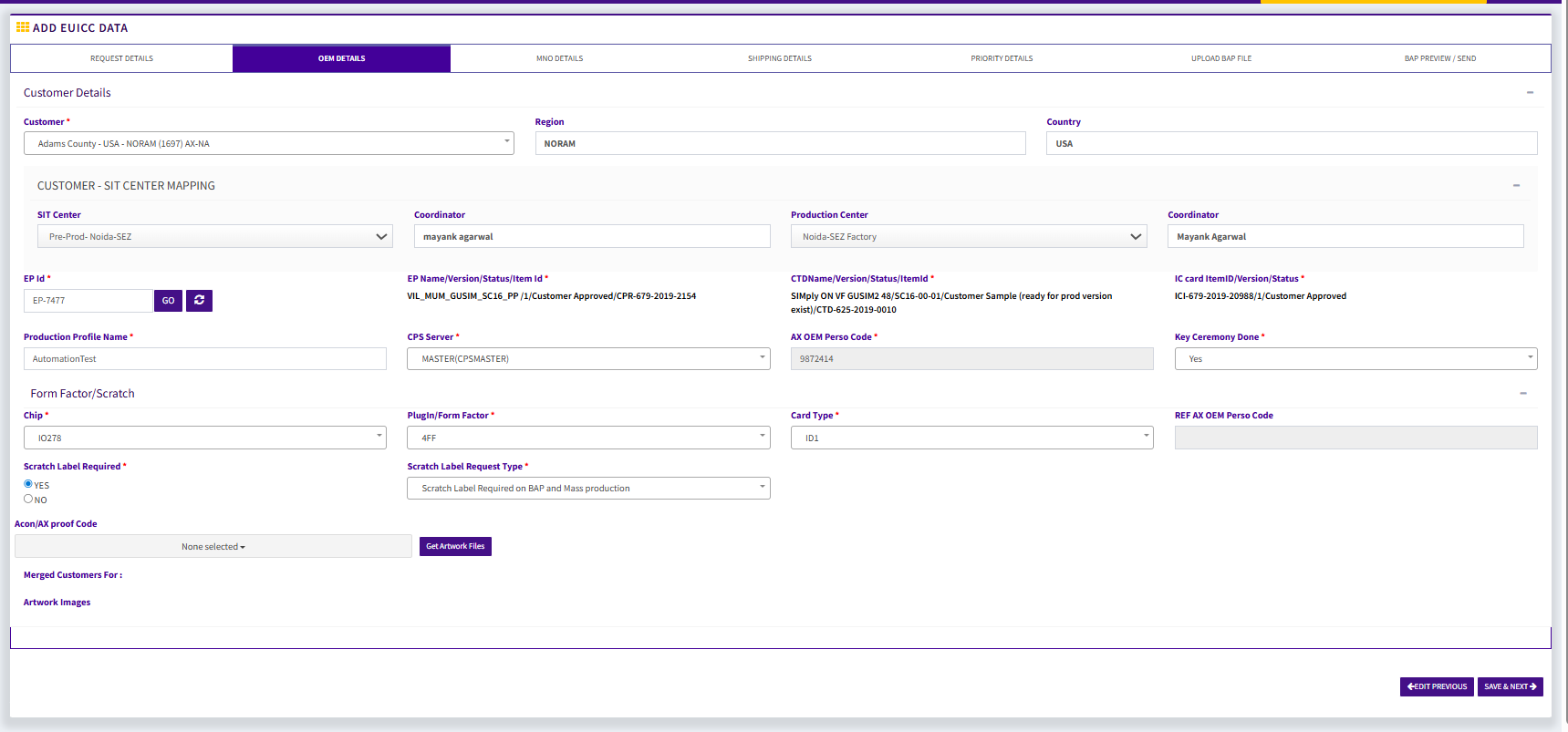
Click Save to create the Work Order.
The Work Order will now move to the Work Order List with the status Draft
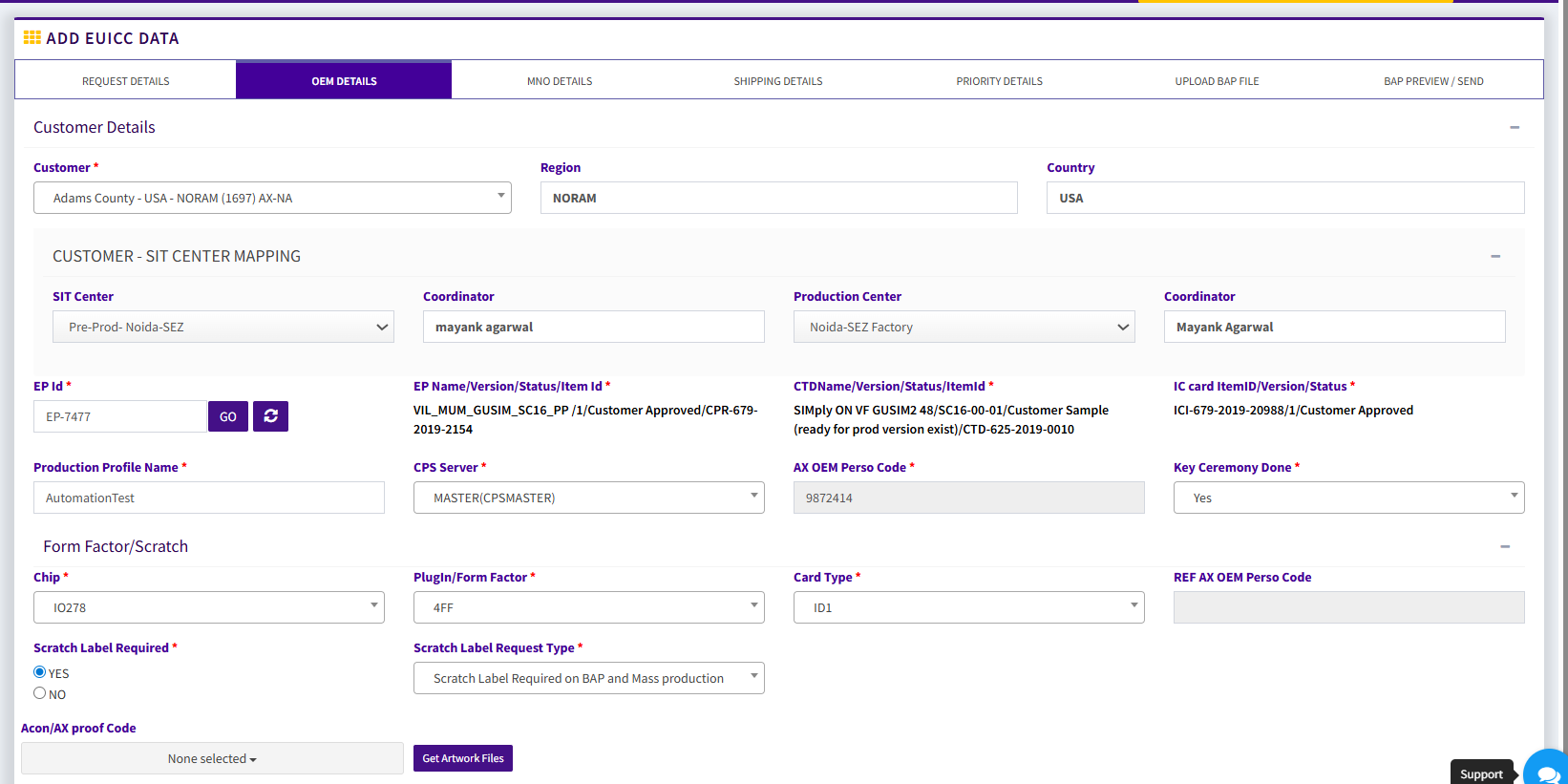
Open the Work Order in View Mode and click Approve.
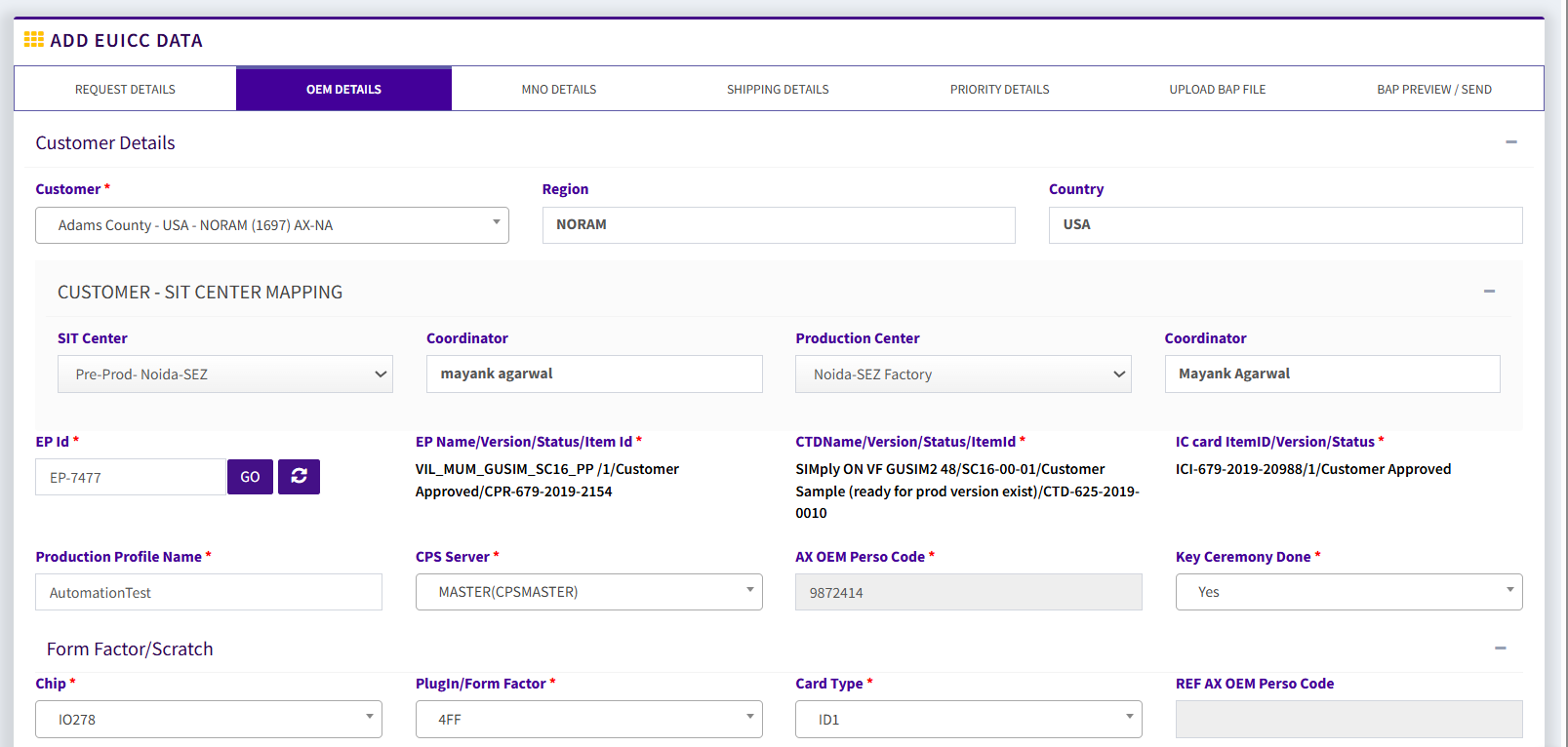
Open Work Order Print